For remote work
Work services that stay connected
Calls, cloud documents, Git and company tools stay equally stable at home, in a coworking space and on business trips. All your traffic stays encrypted.
Links up to 1 Gbps. Browsing history is not stored.
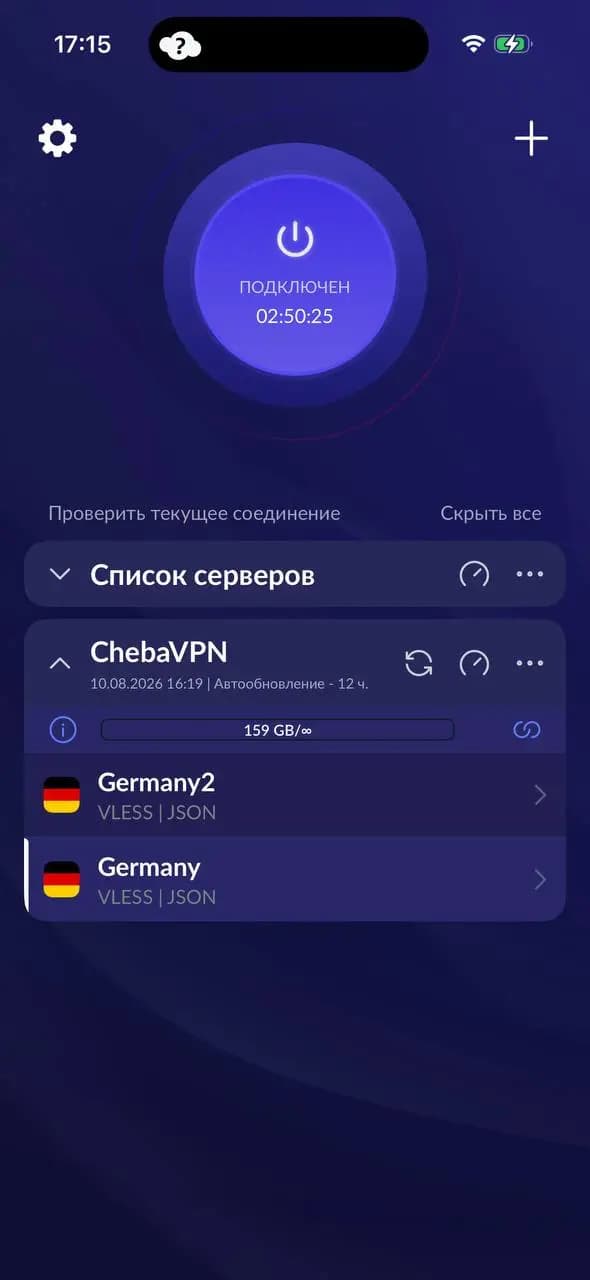
Connection is protected
Calls do not drop halfway through.Work email and passwords stay off shared networks.
What matters for work
A smooth connection for calls
Zoom, Google Meet and Teams without freezes or dropouts. Servers on links up to 1 Gbps.
Cloud tools without surprises
GitHub, Figma, Notion, Jira and cloud storage through one stable exit point.
Protection on other people's networks
Coworking, café or hotel — your work email and passwords never travel over an open network.
Phone and laptop on one plan
Connect all your work devices. Setup takes a couple of minutes.
How to connect
Three steps. It usually takes a couple of minutes.
Create an account
Sign up and get 3 days of full access right away.
Download Happ
A free app for your phone or computer.
Add the config
The link appears in your account — paste it into Happ and connect.
When it helps
- You work from coworking spaces or cafés on shared Wi-Fi
- You spend a lot of time on calls with your team and clients
- You use cloud services every day: GitHub, Figma, Notion, Slack
- You travel for business and work from hotels
This is what websites see
Useful articles


Frequently asked questions
Test it on your real work
3 days of full access, no card required. If it works for you, plans start at $1.50 per month.